






































Notepad ---------------------------------------------------------------------------------
Overview
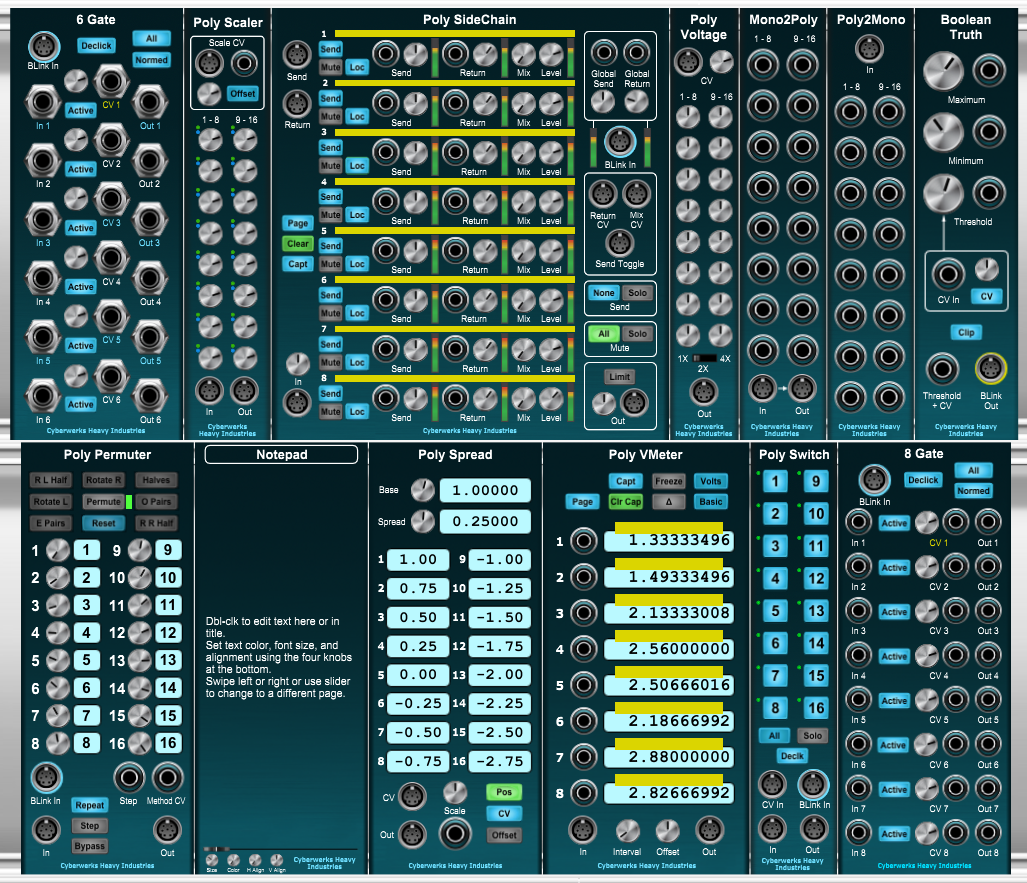
Notepad is a simple, well...notepad. It has two editable areas: the main body, and the caption. If you erase all characters in the caption, its cartouche is hidden as well; the caption is still there, though, and its cartouche will return once there are characters, even blanks, present. The four knobs at the bottom allow you to change the font size, color, and horizontal and vertical alignment of the body and caption text.
If you can't fit everything you wanted to say onto the screen at your preferred font size, there are a total of five screens available. Either use the slider to move between pages, or just mouse swipe to the left or right.
Perhaps the most important feature, though, is the beautiful dark teal, brushed metal Cyberwerks styling, lovingly offset by finely-machined aluminum knobs.
Controls
-
The Page Slider allows you to switch among the five available pages. You can also swipe from left to right or the reverse to go to adjacent pages, mod five. Note that neither of those methods will work when the CV In Jack is populated, as it's in control then.
-
The Control Target Toggle determines which part of the page the controls edit, either the body text (Bdy) or the caption text (Cap).
-
The Size Knob determines the font size, between 6pt and 18pt.
-
The Color Knob changes the text color from among ten preset choices.
-
The H Align Knob changes the horizontal text alignment to one of left, centered, right, or justified.
-
The V Align Knob changes the vertical text alignment to one of top, centered, or botton. This control is disabled when editing captions, as it makes no sense in that case.
-
The CV In Jack allows the current page to be set under external control. The range [0V, 4V) is divided into one volt zones corresponding to the five available pages. Voltages outside this range are ignored.
No reviews yet. Be the first to review this product!
Notepad
$5.00